
A thermostat as a logbook
Traditional thermostats only switched equipment on and off. A smart thermostat does the same, but it also keeps a log. Most models record when the system started and stopped, what the indoor temperature was, often what the outdoor temperature was and sometimes the indoor humidity. Many present this as runtime charts in an app, a daily or monthly summary, or a list of events.
For anyone concerned about ducts and air handlers, that log is the closest thing a homeowner has to a flight recorder. Its real value is that it is already there, collected without extra effort, and it can answer questions that memory cannot. How long did the system run last July compared with this July? Did the run time rise after the last storm? Did the house take longer to cool after the filter was changed?
None of this proves a diagnosis. But patterns in a record give a technician a better starting point, and they let you notice change early instead of when a part fails.

What runtime data can suggest
Runtime is the number of hours per day the cooling system runs. In a hot climate, it naturally rises and falls with outdoor temperature, so comparisons only make sense between similar days. A single hot day tells you little. A trend across a month, compared with the same stretch of last year, tells you more.
A gradual increase in run time at similar outdoor temperatures can point to reduced airflow, a dirty coil, a leaky duct, deteriorating insulation, a refrigerant issue or simply changes to the house, such as a new window treatment or a new appliance. A sudden jump often points to something specific that changed: a failed damper, a disconnected duct, a clogged filter or equipment trouble.
A pattern of very short cycles, where the system turns on and off every few minutes, is also visible in many apps. Short cycling is associated with oversized equipment, restricted airflow, thermostat placement problems and some control faults. It is not a verdict on its own, but it is worth reporting.
Long, continuous running without reaching the set point can mean the system is struggling, for example on a very hot afternoon with a restricted filter or a refrigerant problem. Again, the data narrows the question without answering it.
Filter reminders and what they really measure
Many smart thermostats offer a filter reminder. It is important to know how it works. Most do not measure the filter. They count blower run hours or calendar days and prompt you when a preset number is reached. The reminder can be a helpful nudge, but it cannot tell you the actual condition of the filter.
A house with pets, a nearby construction site, heavy pollen or a very dusty season can load a filter far sooner than the reminder expects. A house that is lightly occupied may need much less. The only reliable check is to look at the filter. The page on checking the filter first describes what to look for.
When a reminder arrives, treat it as a prompt to look, not as an order to replace. If the filter is clean, note that and adjust the reminder interval. If the filter is heavily loaded well before the reminder, shorten the interval. The right interval for your house comes from your observations, not from the default.
Also note the filter type. A thicker, higher-rated filter can restrict airflow more at the same level of loading, and some systems are not designed for it. The guide on air filters and MERV ratings explains the trade-offs in plain terms.
Humidity readings: useful, with limits
Some thermostats include a humidity sensor and display the reading. This is a useful number in our climate, because moisture is behind so many duct problems. But thermostat humidity sensors have limits. They measure the air at the thermostat location, which may not represent the whole house. A thermostat on an interior hallway wall may read differently from a bedroom, a bathroom or a closet.
Accuracy varies, and a reading can drift over time. For that reason, a pattern is more trustworthy than a single number. If the reading stays high for long stretches or rises steadily after rain, treat it as a flag. If the thermostat reads normal but a room smells damp or a register sweats, trust the room and look further.
A small, separate humidity meter placed in the rooms of concern is inexpensive and gives a second point of reference. Comparing it with the thermostat reading can reveal whether the whole house is damp or only one area. The broader subject is covered in the page on indoor humidity control in South Florida.
Learning schedules, setbacks and what they do to your system
Smart thermostats often learn when you are home and adjust the temperature accordingly. In a dry climate, large setbacks while away save energy with little downside. In a humid climate, the picture is more complicated. If the system is allowed to drift to a high temperature while the house is empty, the structure and contents absorb moisture. When cooling resumes, the system has to remove all of it, and for a while the house may feel clammy.
Some models offer humidity-aware modes or limits on setback range. If yours does, consider using them. If it does not, a modest setback is usually easier on both comfort and moisture than a large one. This is a matter of house, equipment and preference, not a rule, and observing humidity readings after a change is the way to find out what works.
Schedules also change how long the blower runs and when. A system that runs hard right before you come home, to meet a sharp temperature target, may cycle differently from one that holds a steady temperature. If you notice new noises or new smells that line up with the schedule, mention it to the technician.
Fan circulation features and duct implications
Many smart thermostats include a circulation mode that runs the blower for a set number of minutes each hour, or runs it based on a temperature or air quality reading. These can be useful for temperature balance, but they change how the system behaves in ways not obvious from the physical switch.
More blower time means more air through the filter and more chance for moisture to be carried off a wet coil. In a humid house, it may also mean that more humid attic air is drawn through return leaks. The page on thermostat fan settings explains the Auto and On positions in depth, and the same reasoning applies to scheduled circulation.
If a circulation feature was turned on at installation and nobody remembers, and the household has since noticed a faster-loading filter or a damp feel, reviewing the setting is a reasonable first step. Turn off one feature at a time and watch the result, so you can tell what changed.
Alerts and what they cannot see
Some thermostats send alerts such as high or low temperature, long run time, or system not cooling. These are useful, but they only reflect what the thermostat can measure: temperature, time and sometimes humidity. They cannot see inside a duct. A thermostat will never tell you that a flex duct has collapsed, that insulation is wet or that a drain line is partly blocked, though it may show the effects.
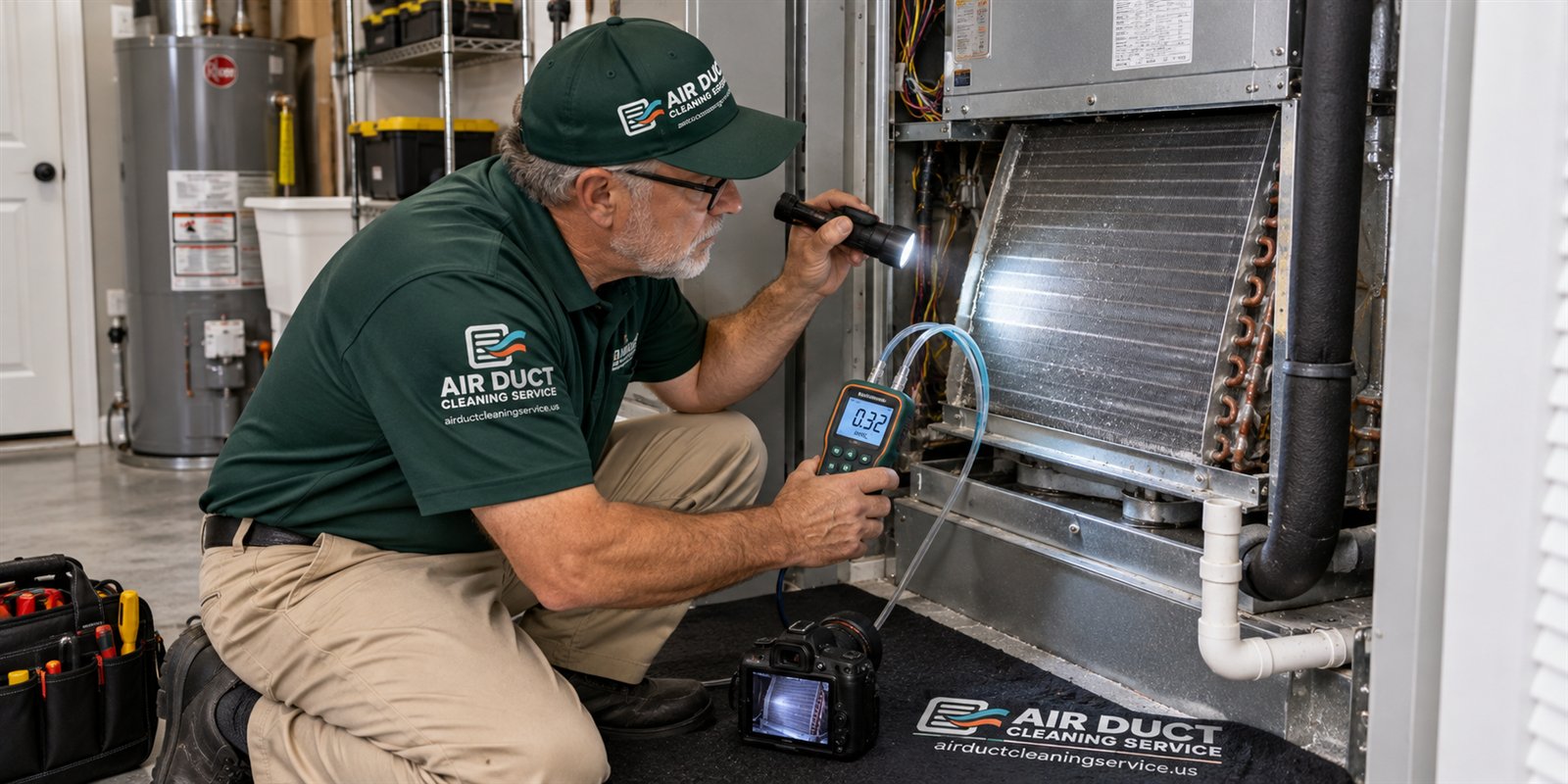
That is the key limitation of data-driven maintenance. The record helps decide when to look, and a physical inspection decides what is true. If an alert says the system is running much longer than usual, the response is to check the filter and the registers and, if needed, to call. The thermostat has pointed at a symptom, and a person with a camera and gauges needs to find the cause.
Alerts can also be wrong. A sensor placed in direct sun, near a supply register or on an exterior wall can report misleading temperatures. If a thermostat seems to disagree with how the house feels, check its location and whether anything is blocking or heating it.
Using the record to prepare for a visit
If you plan to call about a duct or air handler question, the thermostat data is worth capturing before you do. Take screenshots or write down a few key items: typical daily run time on a comparable day this year and last year, any recent change in cycle length, humidity readings and when they were high, and any alerts. Note the date of the last filter change and the filter type.
Add a short description of what you have noticed in the house, such as a room that is warmer, a smell at startup, droplets at a register, a new noise or a recent storm or renovation. A technician who gets this picture starts the visit with a hypothesis and the right tools.
None of this needs to be elaborate. A half-page of notes is plenty. The page on keeping your own duct records suggests a simple format, and the checklist on pre-visit preparation lists what is helpful to have ready.
Cleaning decisions and thermostat data
It is tempting to ask whether the data can say when ducts need cleaning. Honestly, it cannot. Rising run times, a clogged filter or a damp reading can be caused by many things, and dust in the ducts is only one of them, often not the main one. Anyone who tells you the thermostat shows that your ducts are dirty is stretching the data.
What the data can do is prompt an inspection. If runtime has crept up, the filter is clean and registers show reduced airflow, a camera inspection of the trunk lines and the blower compartment is a reasonable next step. If the inspection finds debris on cleanable surfaces, cleaning can be discussed with photographs on the table. If it finds a leak, a crushed duct or a wet drain, repair comes first.
Cleaning is also not something a thermostat can schedule. It does not need to happen on a fixed interval, and it is not presented here as a way to treat any health condition. The decision should rest on what is seen. The guide on how often ducts should be checked explains this in more detail.
Privacy, connectivity and practical cautions
Smart thermostats connect to your home network and often to a cloud service. It is reasonable to review which data is shared, who has access to your account and what happens if you sell the house. Before a sale, remove the device from your account so the next owner starts fresh.
Wiring matters too. Some thermostats need a common wire to power themselves. If a house lacks one, the thermostat may draw power in ways that cause odd behavior in older equipment, such as blower clicking or short cycling. If a new thermostat coincided with new symptoms, mention that when you call. Replacement and wiring changes involve low-voltage electrical work and are best left to a qualified professional.
Finally, remember that a thermostat is a convenience. It can make maintenance easier, but it does not replace looking at the filter, listening to the system and paying attention to smells and damp spots. When something seems off, call and describe it. Quotes for any work are given by phone, and the service call charge is explained before dispatch. Call when you are ready.
Questions people ask
Can my smart thermostat tell me when my ducts need cleaning?
No. It can show changes in run time, cycle length and humidity that suggest something deserves a look, but dust in the ducts is only one possible cause and often not the main one. An inspection with photographs is what shows whether cleaning would help.
Is the filter reminder accurate?
Most reminders count blower hours or days and do not measure the filter. Treat the alert as a prompt to look at the filter. If it is clean, extend the interval. If it is loaded early, shorten it. Your own observations set the right schedule for your house.
Why does my system run longer than last year?
Possible reasons include a restricted filter, a dirty coil, leaking ducts, wet or degraded insulation, weather differences or changes to the house. The thermostat shows the symptom, not the cause. Compare similar outdoor days, check the filter and registers, then call with your notes for a proper look.
Are thermostat humidity readings reliable?
They are a useful indicator, but they reflect only the spot where the thermostat hangs, and accuracy can drift. Trends matter more than single numbers. A separate inexpensive humidity meter in a bedroom or closet gives a second reference point.
Should I turn off scheduled fan circulation?
Consider it if you have noticed dampness, a faster-loading filter or a musty smell. Change one setting at a time and watch the results for a week or two. Circulation can help temperature balance in some homes, so the right choice depends on your equipment and humidity.
Could a new thermostat cause my AC problems?
Sometimes. Wiring changes, a missing common wire or different default settings can cause short cycling, clicking or changed fan behavior. If symptoms began soon after installation, tell the technician when you call. Thermostat wiring is low-voltage electrical work best left to a qualified professional.
Describe the situation by phone and we will tell you what the job involves. Quotes are given by phone. Jobs that cannot be quoted without seeing them need a technician on site, and the service call charge is explained on the phone before anyone is dispatched.
Related pages
- Fan Settings: Auto or On? Learn what each thermostat fan setting does to humidity, dust movement and duct condition in South Florida homes, and what to check first.
- Filters and MERV: What MERV ratings mean, how filter ratings relate to airflow and system fit, and how to pick a filter your air handler can actually breathe through.
- Your Records: A simple home file for duct work: what to save, how to name photos and reports, and why organized records help with buyers, insurers and future technicians.
- Air Handler Basics: A plain-language tour of the indoor air handler: blower, coil, filter slot, drain pan and plenums, and which parts a cleaner looks at during a visit.
- How Often: Why no fixed schedule fits every home, which conditions raise the odds that ducts need a look, and how to decide using evidence instead of a calendar.
- Round Metal Duct: Spiral and round metal duct hangs exposed in many commercial ceilings. See how it is built, reached and cleaned, and what to ask before a visit.
Setting up a thermostat so the data is worth reading
A smart thermostat only helps if its settings make the numbers meaningful. Start by confirming that the room it sits in is representative: a thermostat in a sunny hallway or next to a kitchen will report conditions that do not match the rest of the house. Check that the system type is entered correctly, that the clock is right and that any away or eco features are understood, since these change how often and how long the equipment runs during a typical day. Small setup choices like these shape everything else that follows.
Next, decide what you want to track. Runtime per day, the temperature you ask for and the temperature the house actually reaches are three simple items that tell a clear story over a few weeks. If your app offers a history screen, take a screenshot now and then, so you have a record even if a firmware update resets the display or the app changes how it shows past information. Screenshots stored in a folder on your phone are enough, and they cost nothing but a minute or two every week or so.
Avoid changing many settings at once. If you alter the schedule, the fan mode and the setpoint in the same week, the data becomes hard to interpret. Make one change, watch for several days, and write down what you see. When a technician later asks what has been different lately, you will have an honest and specific answer instead of a vague one, which makes the whole visit more useful. Patience matters more than precision here, since a clean comparison needs only a handful of consistent entries rather than a perfect log.
Turning a graph into a useful question
A graph rarely gives an answer by itself, but it can sharpen a question. Suppose the equipment runs longer on afternoons than it did last month. That could reflect hotter weather, a window that lost shade, a door left open, or reduced airflow somewhere in the ducts. The graph points to when something changes, which is the first step toward figuring out why it changes and what is worth checking. Most of the time a pattern like that has several ordinary explanations, and the technician will walk through them one by one with you.
When you bring this to a technician, describe the pattern rather than a conclusion. Saying the system runs longer in the late afternoon, mostly in the rooms facing west, gives more to work with than saying the ducts must be dirty. The technician can then check the obvious candidates in a sensible order, from the filter and registers to the access points and the attic run, without being steered toward a single guess. That approach keeps the visit honest and prevents anyone from starting with a theory and then looking only for evidence that supports it.
Keep expectations modest. A thermostat sees only what the sensor in its own room sees, and it cannot measure what is inside a duct. Think of the data as a conversation starter that makes the visit more efficient, and let the inspection confirm or correct what the numbers seem to suggest. Sometimes the numbers point somewhere unexpected, and that is a perfectly good outcome. If the thermostat has an app that exports data, bring a few screenshots of the relevant weeks, but do not worry if you only have a rough memory; a general description still helps the conversation along.